


Download Mendeley APK – Reference Management Tool, Academic Research, PDF Annotation, Citation Generator, Cross-Platform Sync
Overview
Mendeley is a reference management tool designed for academics, researchers, and students who need to organize, cite, and share scholarly content efficiently. Developed by Elsevier, the software enables users to build and manage a personal research library by importing references from PDFs, databases, and online sources. It supports the creation of citations in multiple formats, including APA, MLA, and Chicago, making it a valuable asset during thesis writing, manuscript preparation, or long-term research projects. The platform is particularly suited for individuals working in academic environments who require seamless access to their reference materials across devices. Mendeley’s core functionality centers on streamlining the research workflow by consolidating documents, notes, and citations into a single, searchable interface. The developer did not provide additional system requirements, and the software is available as a mobile application for on-the-go access. Real-world usage scenarios include managing large volumes of research papers, annotating key sections of academic articles, and collaborating with peers on shared projects. Despite its widespread use, the developer has not disclosed detailed performance metrics or resource usage data.Key Features & Capabilities
- Library Management: Users can create and organize a personal research library, categorizing references by topic, project, or author for easy retrieval.
- Reference Import: The tool allows importing references directly from PDF files, online databases, and web sources, reducing manual data entry.
- Citation Generation: Mendeley supports automatic citation creation in multiple academic formats, ensuring consistency across research papers and publications.
- Collaboration Tools: Researchers can share libraries and collaborate with colleagues, enabling team-based research and peer review workflows.
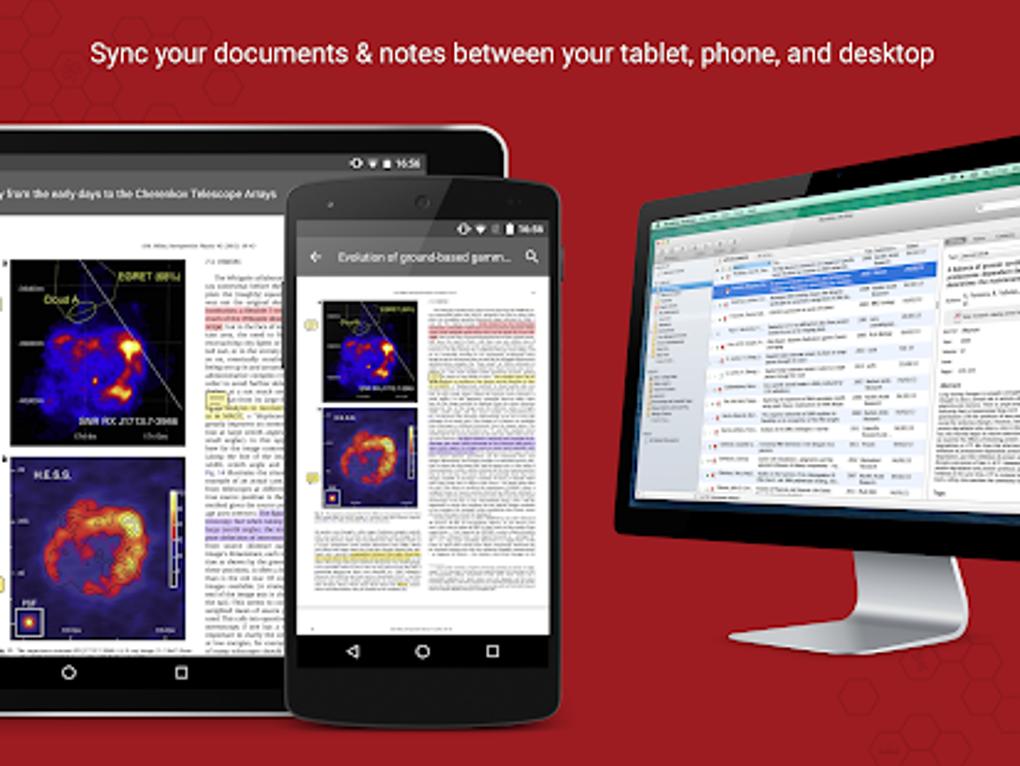
- Cross-Platform Sync: All changes made to the library are synchronized across devices, allowing uninterrupted access from desktops, laptops, or mobile devices.
- Mendeley Cite Plugin: Integration with Microsoft Word enables users to insert citations and generate bibliographies directly within documents.
- Mendeley Notebook: A dedicated space for collecting notes, highlights, and annotations from multiple research papers in one place.
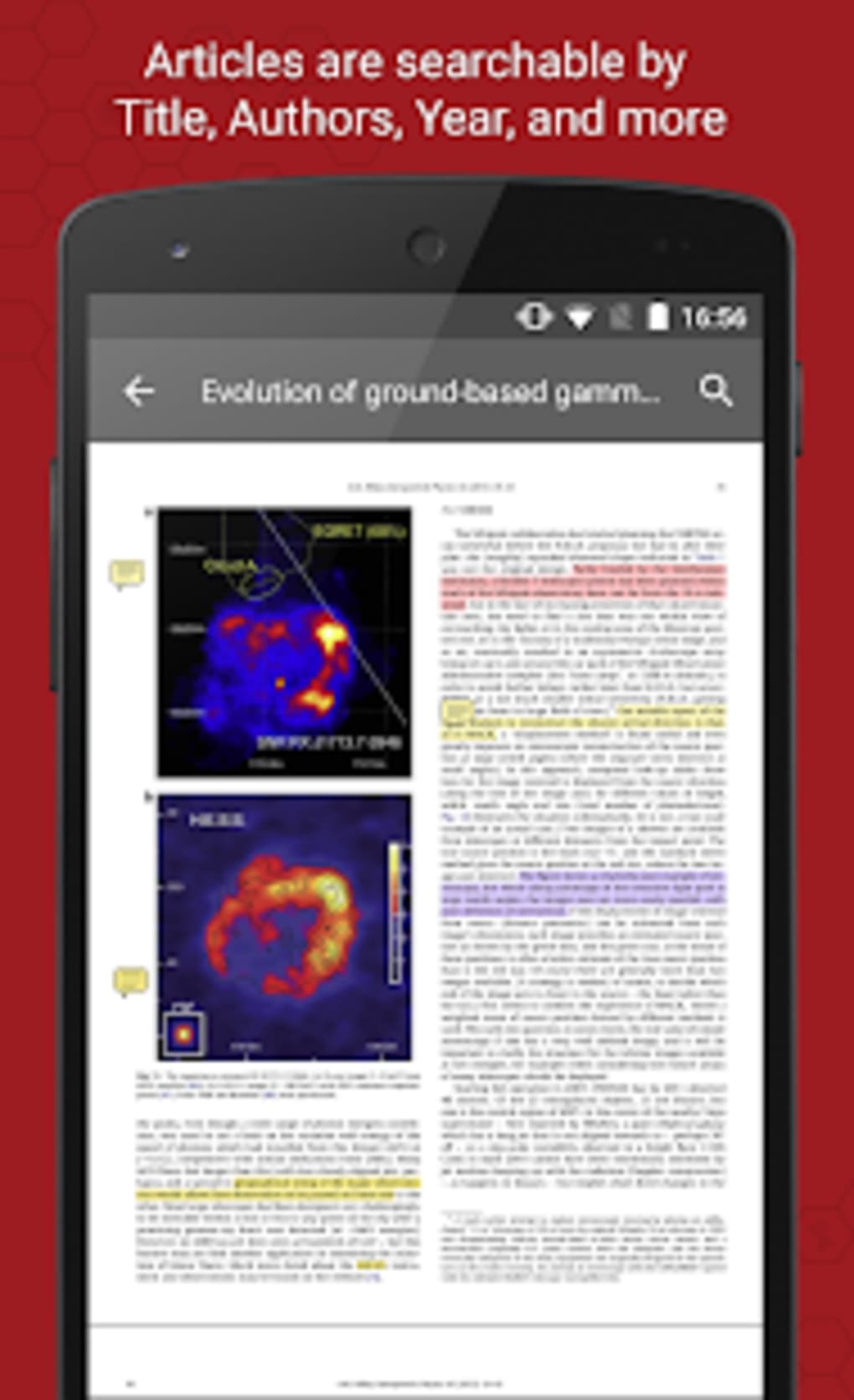
- PDF Annotation: Users can highlight, underline, and add comments to PDFs directly within the application.
- Integration with External Tools: Compatibility with services like Zotero, EndNote, and Google Scholar enhances interoperability and research efficiency.
User Interface, Workflow & Performance
The user interface of Mendeley is designed with clarity and functionality in mind, featuring a clean layout that prioritizes accessibility. The main window displays the user’s library, with intuitive search, filter, and sort options to locate specific references quickly. A sidebar provides quick navigation to recent papers, shared libraries, and personal notes, enhancing workflow efficiency. Drag-and-drop functionality allows for easy file addition to the library, reducing the time required for document ingestion. The software is generally stable, with few reported crashes, though some users have experienced syncing issues and temporary server instability. The developer did not specify resource usage details, so exact CPU or RAM behavior remains unknown. Performance observations are based on general software behavior patterns. While the app functions well for standard library sizes, performance may vary depending on the number of annotations and the volume of stored documents. Offline access is limited, with certain features requiring an active internet connection for full functionality.Compatibility & System Requirements
Mendeley is available for Windows, macOS, Linux, and mobile platforms. The software supports integration with Microsoft Word and Google Docs, enabling citation insertion during document writing. The installation size is approximately 150 MB. The developer did not specify exact system requirements, including minimum hardware specifications such as RAM or processor type. Compatibility information was partially provided, with no details on specific OS versions or update cycles. Users are advised to ensure their device meets general software installation standards. The app’s cross-platform sync feature allows access to the same library across different devices, though full functionality may depend on internet connectivity and server availability.Pros and Cons
Pros
- Free to use with generous cloud storage
- Cross-platform compatibility for seamless access
- Clean, intuitive interface suitable for beginners and experts
- Strong citation and bibliography support across formats
- Effective collaboration and sharing tools for research teams
- Integration with Microsoft Word and Google Docs
- PDF annotation and note-taking capabilities
Cons
- Mobile app development has been discontinued
- Syncing issues reported by some users
- Server instability affecting access to accounts and libraries
- Limited customization options for advanced users
- No fully functional offline mode for all features
- Premium features require a subscription
- Learning curve for new users unfamiliar with reference management
FAQ Section
What is Mendeley?
Mendeley is a reference management tool developed by Elsevier for academics and researchers. It helps users organize, cite, and share research papers and reference material efficiently.
Is Mendeley free?
Yes, Mendeley is free to download and use. It offers a generous amount of cloud storage and basic features at no cost.
Can I use Mendeley offline?
Some features are available offline, but full functionality requires an internet connection, especially for syncing and accessing cloud-based libraries.
Does Mendeley support Microsoft Word?
Yes, Mendeley provides a Cite plugin for Microsoft Word, allowing users to insert citations and generate bibliographies directly within documents.
Can I collaborate with others using Mendeley?
Yes, Mendeley allows users to share libraries and collaborate with other researchers, making it ideal for team-based research projects.






.png)
